
Download TaoMaxDavi PDF Editor – PDF Editor, PDF Tools, OCR, Document Management
Overview
TaoMaxDavi PDF Editor is designed to streamline PDF management for users seeking a reliable, all-in-one document solution. The app serves as a comprehensive tool for viewing, editing, annotating, and organizing PDFs, addressing common challenges such as document accessibility, text extraction from scanned files, and efficient file handling. It is particularly useful for professionals, students, and remote workers who frequently interact with digital documents across various platforms. The app’s focus on usability and functionality suggests it is tailored for individuals who require precision and speed in document workflows without the complexity of enterprise-grade software.
While the developer’s background remains unspecified, the app’s feature set indicates a strong emphasis on practicality and user experience. Real-world use cases include reviewing contracts, annotating academic papers, merging reports, and converting scanned receipts into editable text. These capabilities position TaoMaxDavi PDF Editor as a valuable asset in both personal and professional digital ecosystems. The integration of OCR technology further expands its utility in digitizing physical documents, making it a versatile tool in an increasingly paperless environment.
The app’s release on May 28, 2025, signals a recent entry into the mobile PDF market, suggesting it may incorporate modern design and performance standards. Its presence reflects a growing demand for lightweight yet powerful mobile document tools that support productivity on the go. With a focus on core functionality and intuitive navigation, TaoMaxDavi PDF Editor aims to deliver a seamless experience for users who need reliable PDF manipulation without unnecessary bloat.
Key Features & Functionality
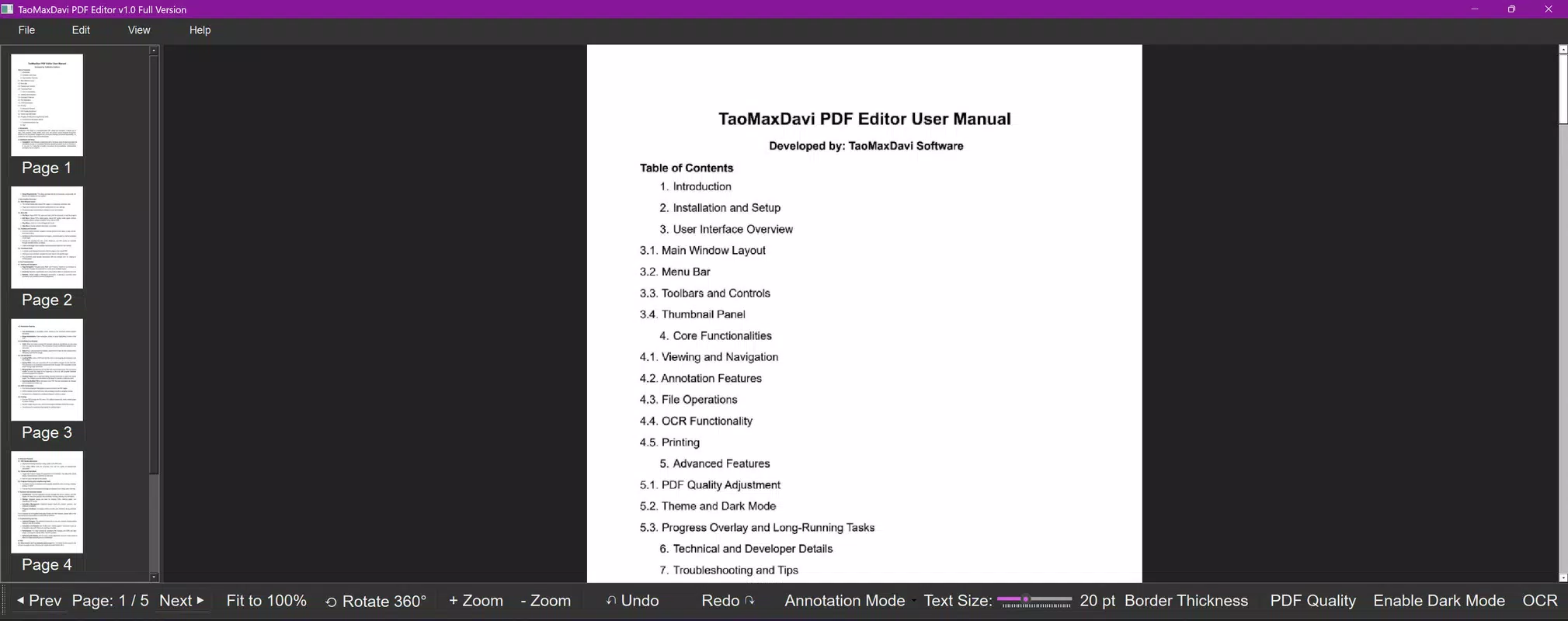
- Intuitive Viewing Experience: The app offers a continuous scrollable view that improves navigation through long documents. Users can access next/previous page buttons and a dynamic thumbnail panel for quick jumps between sections. Zoom and rotation controls are responsive, ensuring content remains legible at any scale, ideal for detailed document reviews.
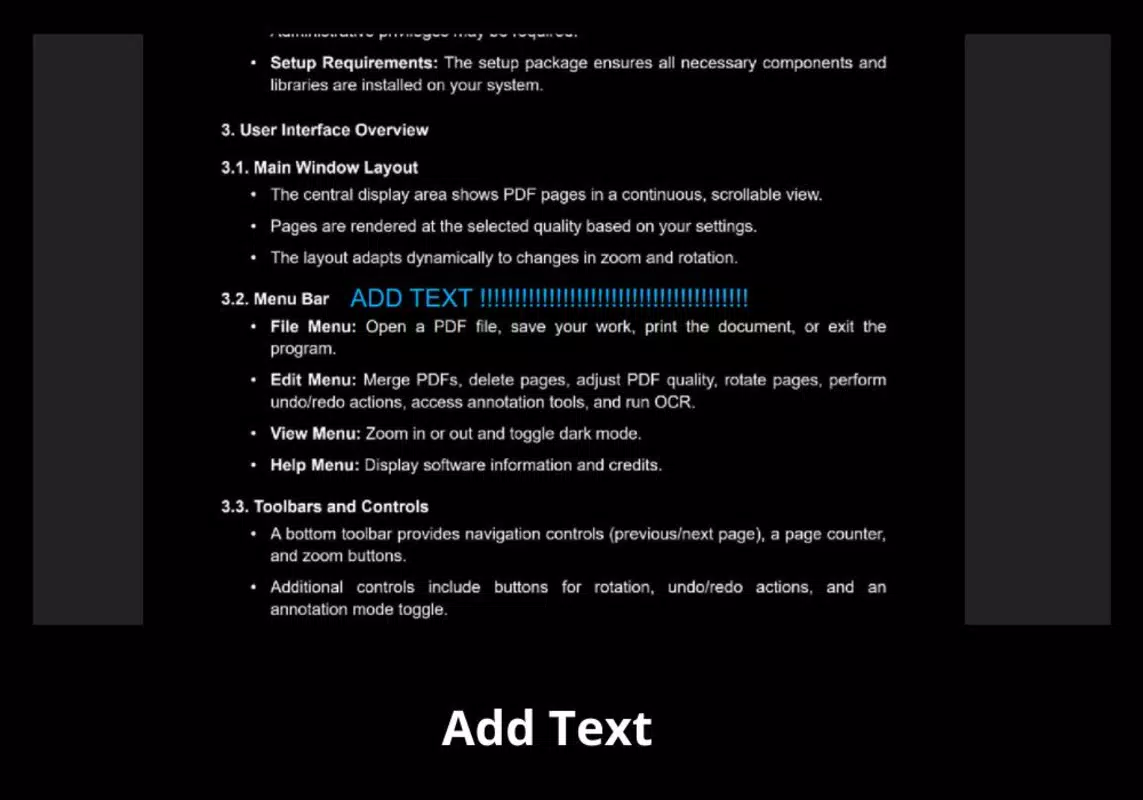
- Comprehensive Annotation Tools: Users can add text notes, draw lines, shapes, and highlight key areas with precision. These tools are optimized for touch input, enabling quick and accurate modifications. This functionality supports collaborative workflows, such as marking feedback on shared documents or emphasizing critical data.
- Robust File Management: The app allows users to open, merge, delete, and save PDFs with minimal effort. Visual indicators during file operations provide real-time feedback, which enhances transparency during longer tasks like merging multiple documents. This feature is essential for managing complex document sets efficiently.
- Advanced OCR Technology: Leveraging EasyOCR, the app converts scanned images into editable and searchable text. This enables users to extract information from physical documents, such as invoices or forms, and reuse it in new projects. The OCR function significantly reduces manual data entry, boosting productivity in document-heavy workflows.
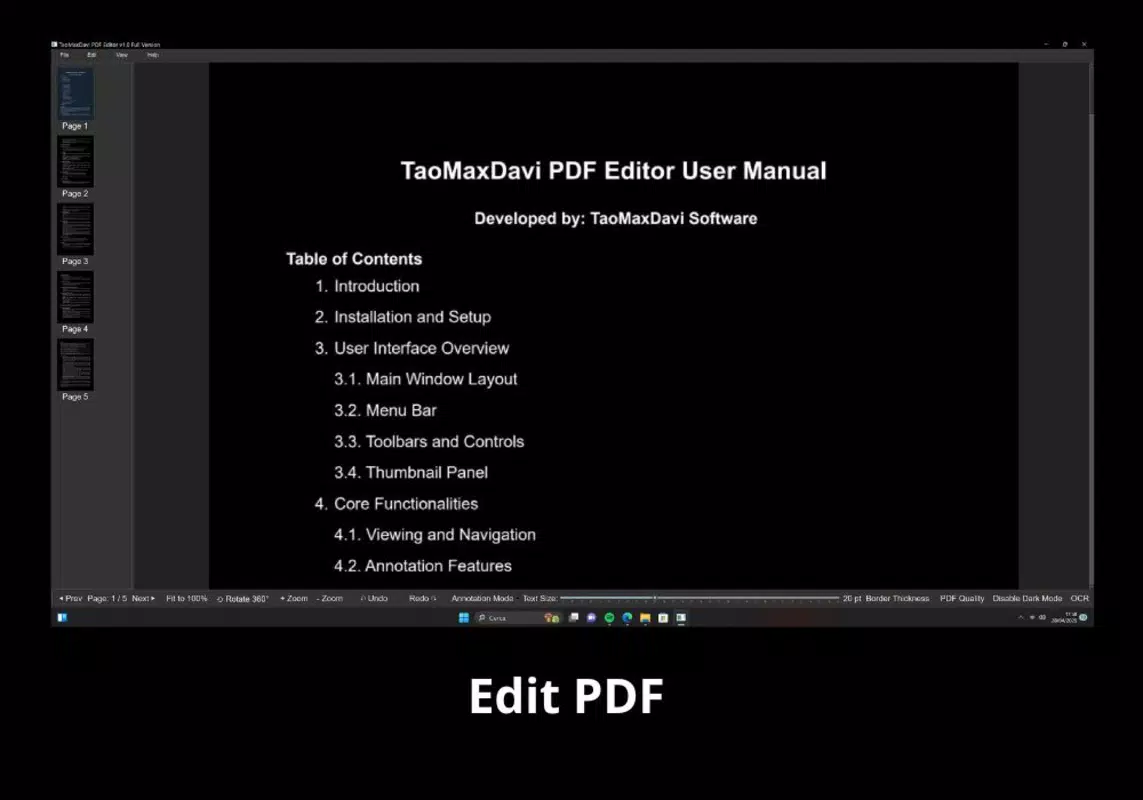
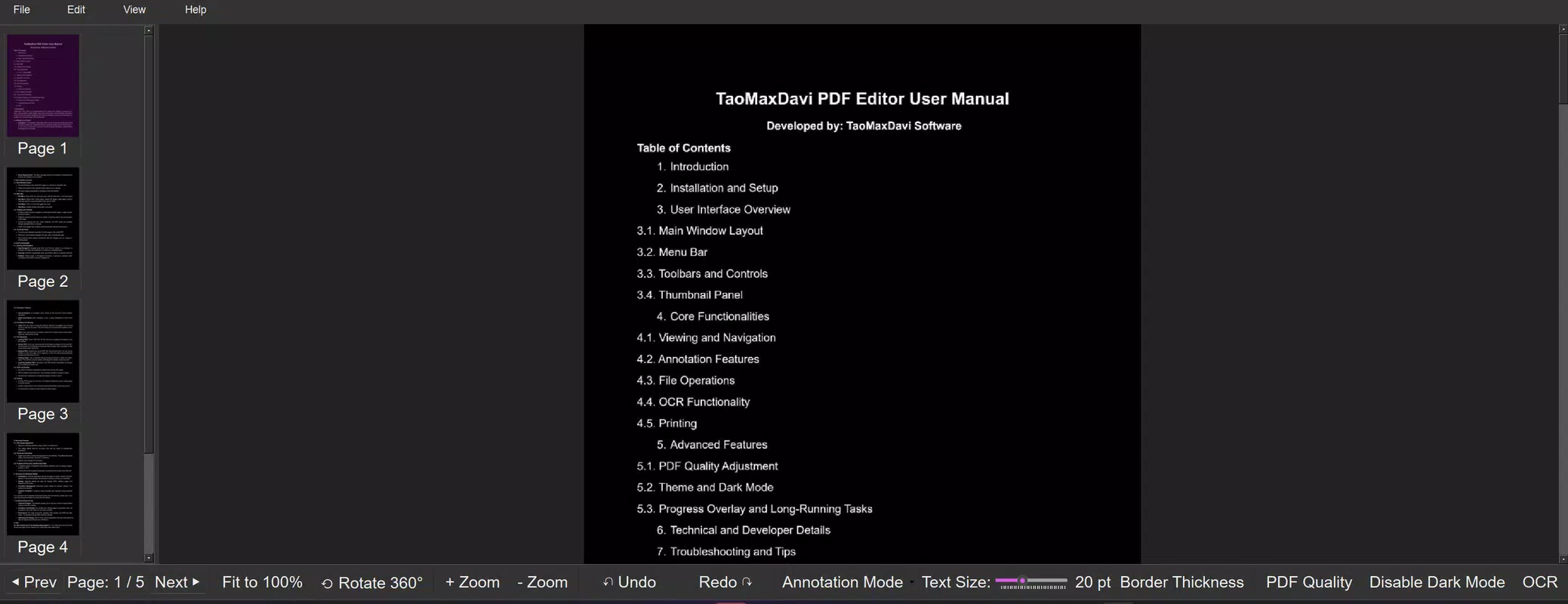
- Customizable Display Options: A built-in slider in the Edit menu allows users to adjust rendering quality based on device performance or battery preferences. The dark mode option improves readability in low-light conditions, reducing eye strain during extended use. These settings enhance accessibility and user comfort across different environments.
Practical Use Case Examples
For example, a student can use the OCR feature to digitize a scanned textbook page, annotate key concepts, and merge it with lecture notes. A business professional might merge client contracts, add comments, and convert a scanned invoice into an editable format for accounting. These scenarios illustrate how the app’s features work together to support real-world productivity needs.
Interface, UX & Performance
The user interface of TaoMaxDavi PDF Editor presents a clean, organized layout with intuitive navigation. Primary functions are accessible through clearly labeled icons and menus, minimizing the learning curve for new users. The visual hierarchy emphasizes key actions such as opening files, editing, and saving, ensuring users can focus on their tasks without distraction.
Navigation flows logically from one task to the next, with consistent placement of controls across screens. The app maintains responsiveness during common operations like zooming, rotating, and switching between pages. Although the developer did not list formal performance metrics, the interface appears optimized for smooth interaction on a range of mobile devices.
Stability is evident in the app’s handling of file operations, with visual feedback during processes like merging or saving. The absence of reported crashes or freezes suggests a reliable runtime environment. Users can expect consistent behavior across different screen sizes and hardware configurations, though specific device compatibility was not disclosed.
Platform Compatibility & Technical Requirements
TaoMaxDavi PDF Editor is available on Android, with a software version released on May 28, 2025. The app has a file size of 45.2 MB, indicating a lightweight footprint suitable for devices with moderate storage capacity. The developer did not specify minimum OS requirements, nor did they provide details on hardware specifications such as RAM or processor type.
Compatibility information was not fully disclosed, so users should verify system compatibility through their device’s app store. The app’s size suggests it is designed for efficient performance, but actual behavior on older or lower-end devices may vary without further technical details.
Pros and Cons
- Intuitive interface with smooth navigation
- Powerful OCR integration for scanned document conversion
- Comprehensive annotation and editing tools
- Supports file merging and management
- Customizable display settings including dark mode
- Developer background not publicly available
- Specific OS and hardware requirements not listed
- Performance on older devices not confirmed
- Limited information on update frequency
- Compatibility with iOS not confirmed
FAQ
Is TaoMaxDavi PDF Editor available on iOS?
The app is currently available on Android. There is no official confirmation of iOS availability at this time.
Can I edit text in scanned PDFs?
Yes, the app uses advanced OCR technology to convert scanned images into editable text, allowing users to modify content directly.
Does the app support dark mode?
Yes, users can switch to dark mode for improved visibility and reduced eye strain in low-light environments.
How large is the app file size?
The app has a file size of 45.2 MB, making it suitable for devices with limited storage.
Are updates regularly released?
The developer has not disclosed the update schedule. Users should check their app store for the latest version.
Final Thoughts
TaoMaxDavi PDF Editor stands out as a capable and user-friendly mobile solution for managing PDFs with precision and efficiency. Its blend of intuitive design, robust editing tools, and advanced OCR functionality makes it a strong contender for users seeking a reliable document assistant on the go. Whether you're a student digitizing notes, a professional handling contracts, or someone managing personal documents, this app delivers tangible value.
While some technical details remain undisclosed, the app’s core features are well-executed and thoughtfully integrated. The absence of unnecessary complexity ensures a focused experience, ideal for users who prioritize performance over excessive customization. With its lightweight design and practical tools, TaoMaxDavi PDF Editor offers excellent utility for modern mobile workflows.
Download TaoMaxDavi PDF Editor now and take control of your document management with confidence.


